Browser-local redaction workbench
Privacy Preflight Web
A browser-local workbench for reviewing sensitive text, images, and multi-page PDFs with English + Simplified Chinese OCR and destructive export checks.
- Problem
- Sensitive material needs a careful review step before sharing, and a visual black box is not proof of redaction — the destruction itself has to be checked.
- Audience
- Anyone reviewing sensitive material in a desktop or mobile browser, plus developers who want the same review step inside their own applications.
- What I built
- I built the TypeScript review model, same-origin OCR and PDF workers, editable redaction regions, pixel burn-in, and fail-closed export checks.
- Result
- The browser workbench covers reviewed text, image, and multi-page PDF redaction, with local OCR, before/after comparison, and verified rebuilt outputs.
How it works
- 01Review
Look at the local input before changing it.
- 02Detect
Run text rules or local OCR inside the browser.
- 03Redact
Handle text, raster images, and PDFs through separate paths.
- 04Validate
Reopen outputs and check hashes, pixels, text layers, annotations, and document structure.
- 05Export
Release only the reviewed redacted result.
Try it
Loading the fixture benchmark...
Deterministic entity replacement with review
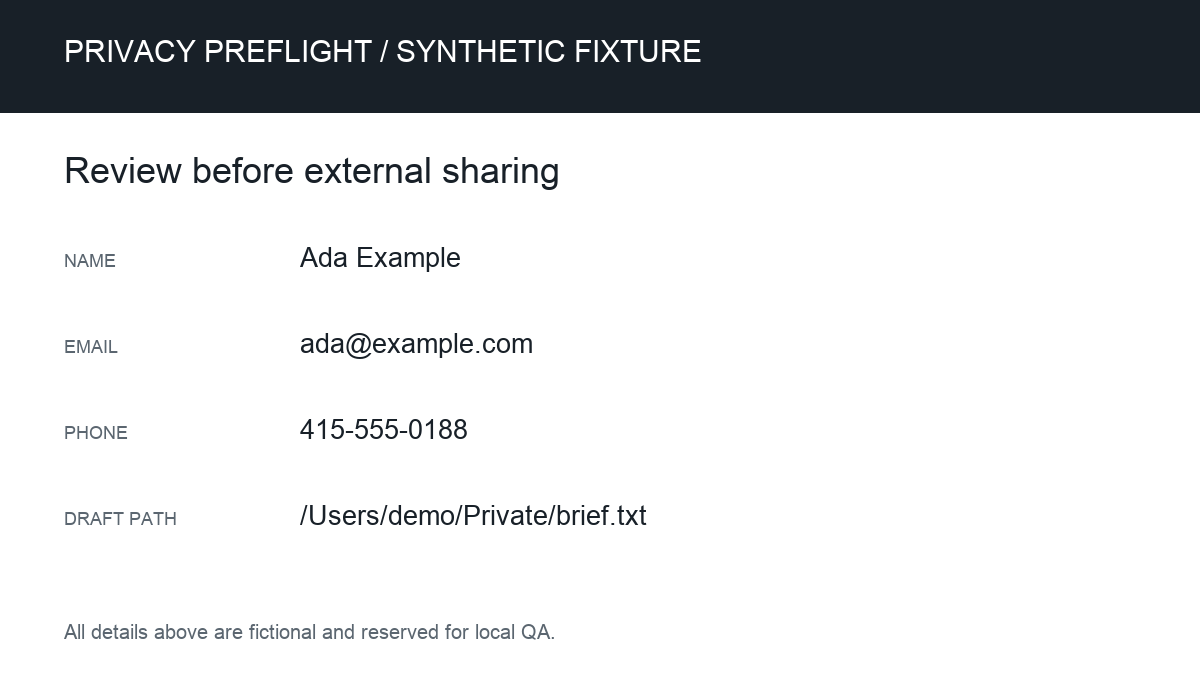
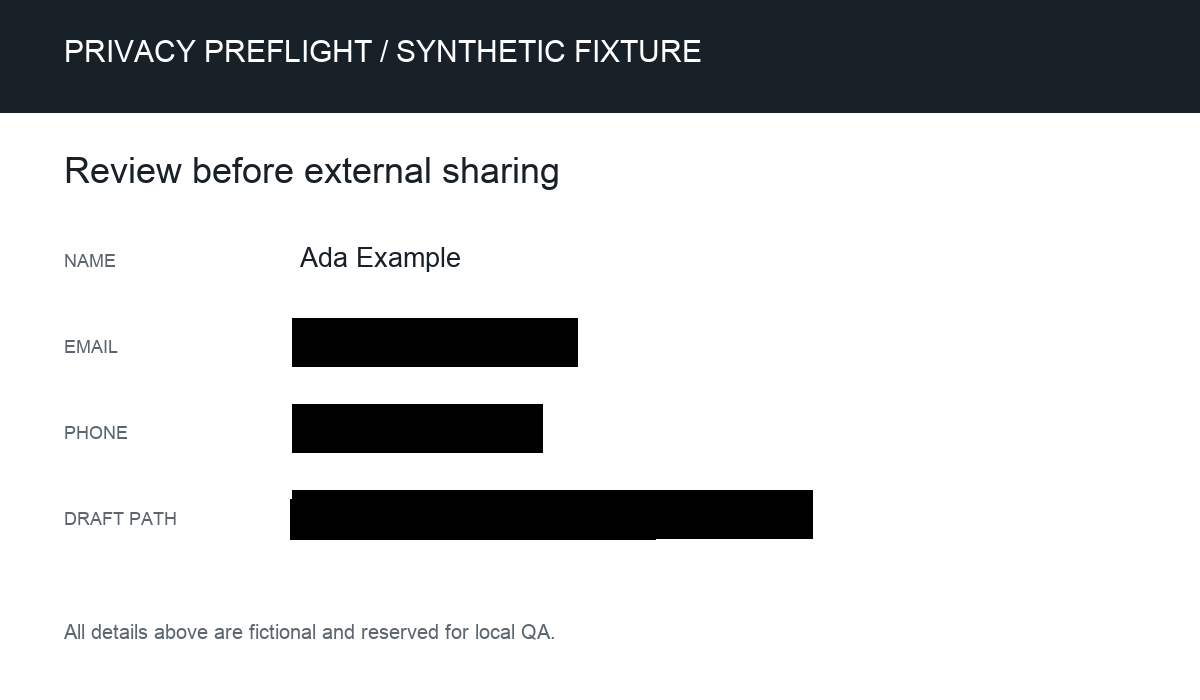
OCR-guided raster redaction
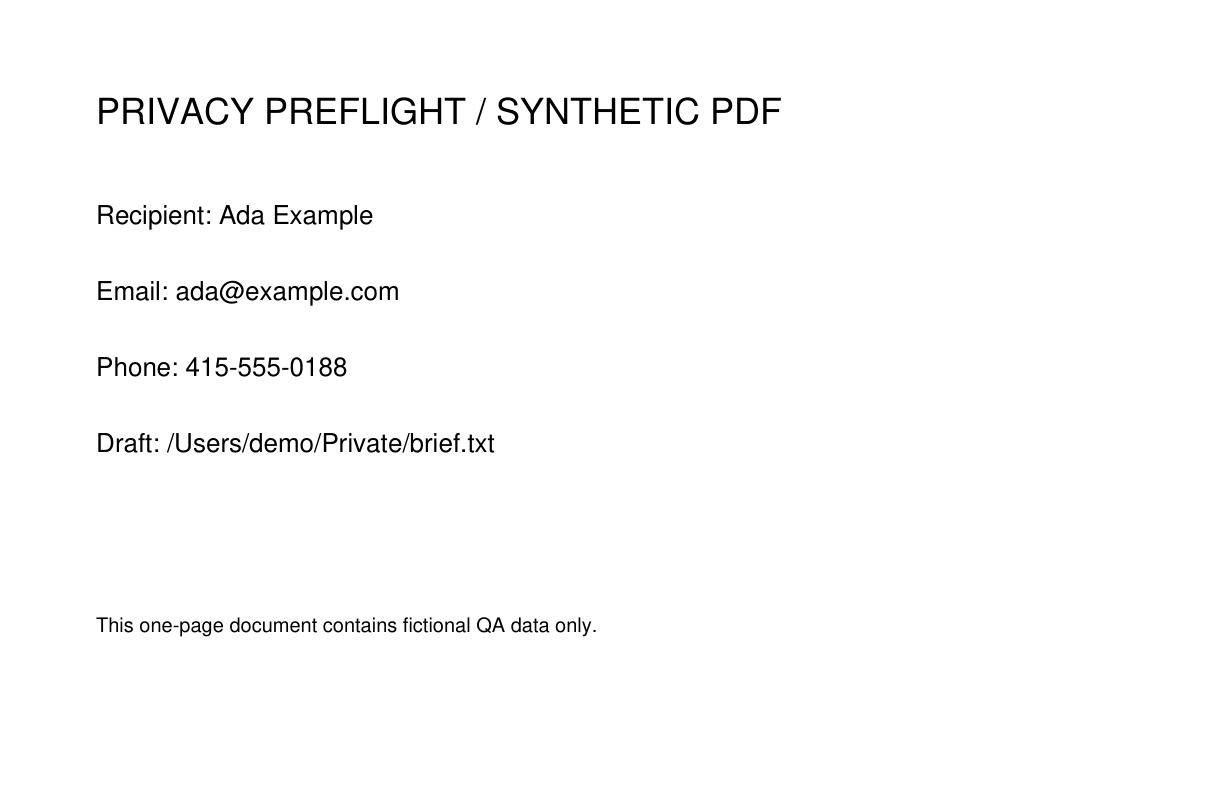
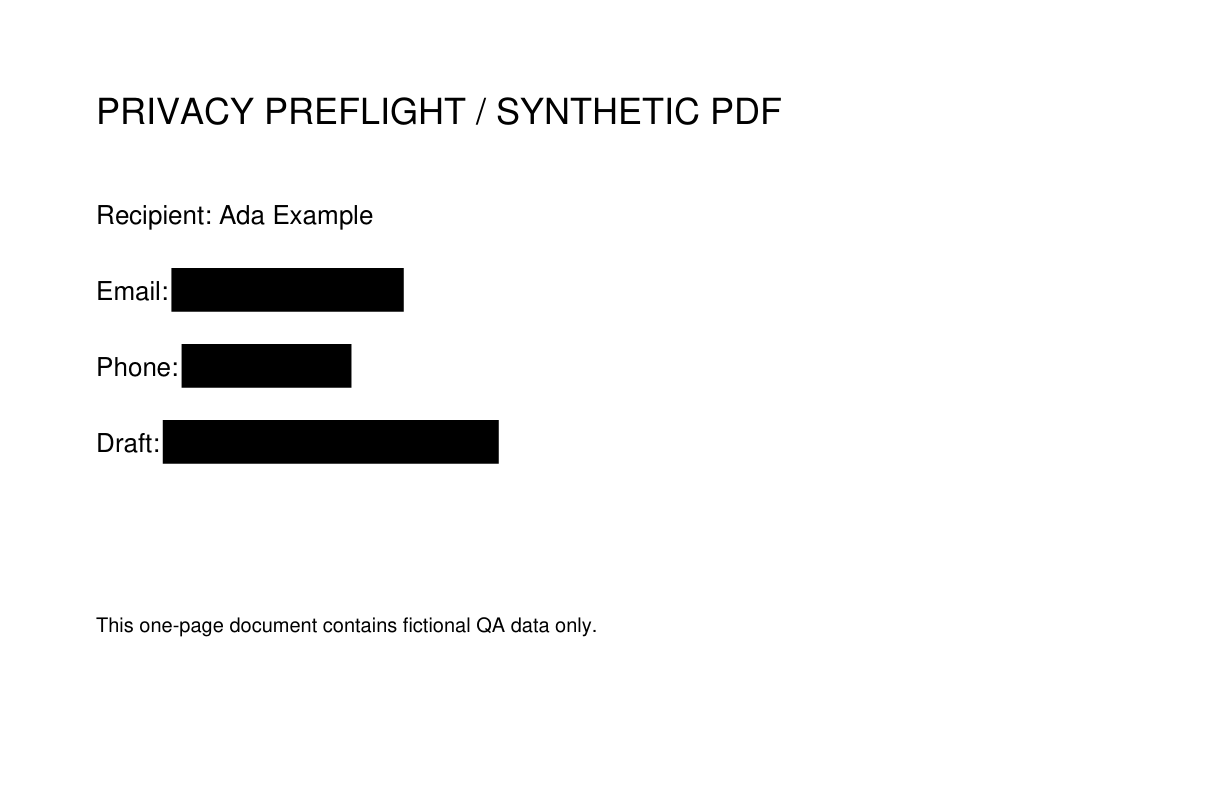
Destructive rendering and validation
Synthetic demo record for Ada Example. Contact ada@example.com or 415-555-0188. Draft: /Users/demo/Private/brief.txtSynthetic demo record for Ada Example. Contact [EMAIL] or [PHONE]. Draft: [LOCAL_PATH]Tested browser workflowThe worker suite and full browser cases exercise text, image, OCR, PDF, review, and export behavior.Open worker resultsOpen browser results
How this was verified
- The fixed seven-fixture OCR benchmark ran the complete browser-equivalent multi-pass union: 19/19 expected-value hits, 21 detections, 2 false positives, and 90.5% precision. This is synthetic fixture evidence, not a claim of general OCR accuracy.
- The browser workflow recorded 67 passing end-to-end cases for text, image, and PDF review, with separate embedded-worker verification covering the local processing path.
What this does not prove
- OCR can miss, misread, or mis-box text, so every selected region and output still needs human review. The browser workflow does not claim legal-grade redaction or mathematical irreversibility.
- Image-only PDF export intentionally removes search, selection, links, forms, and accessibility structure. The browser path remains limited to 20 MB, 20 pages, and the recorded render-pixel limits.
- An external model remains optional and receives redacted content only by default. The workflow is not described as offline when that provider is enabled.